 Senseward
Go Beyond Translation
Understanding a passage takes more than knowing each word. Senseward helps you work through books and audiobooks with contextual explanations, sentence replay and chapter questions. Explore an unfamiliar expression, clarify an important idea, and keep useful vocabulary connected to its source. Return to it through review and AI-generated practice.
Senseward requires macOS 26 or later, or an iPad with iPadOS 26 or later.
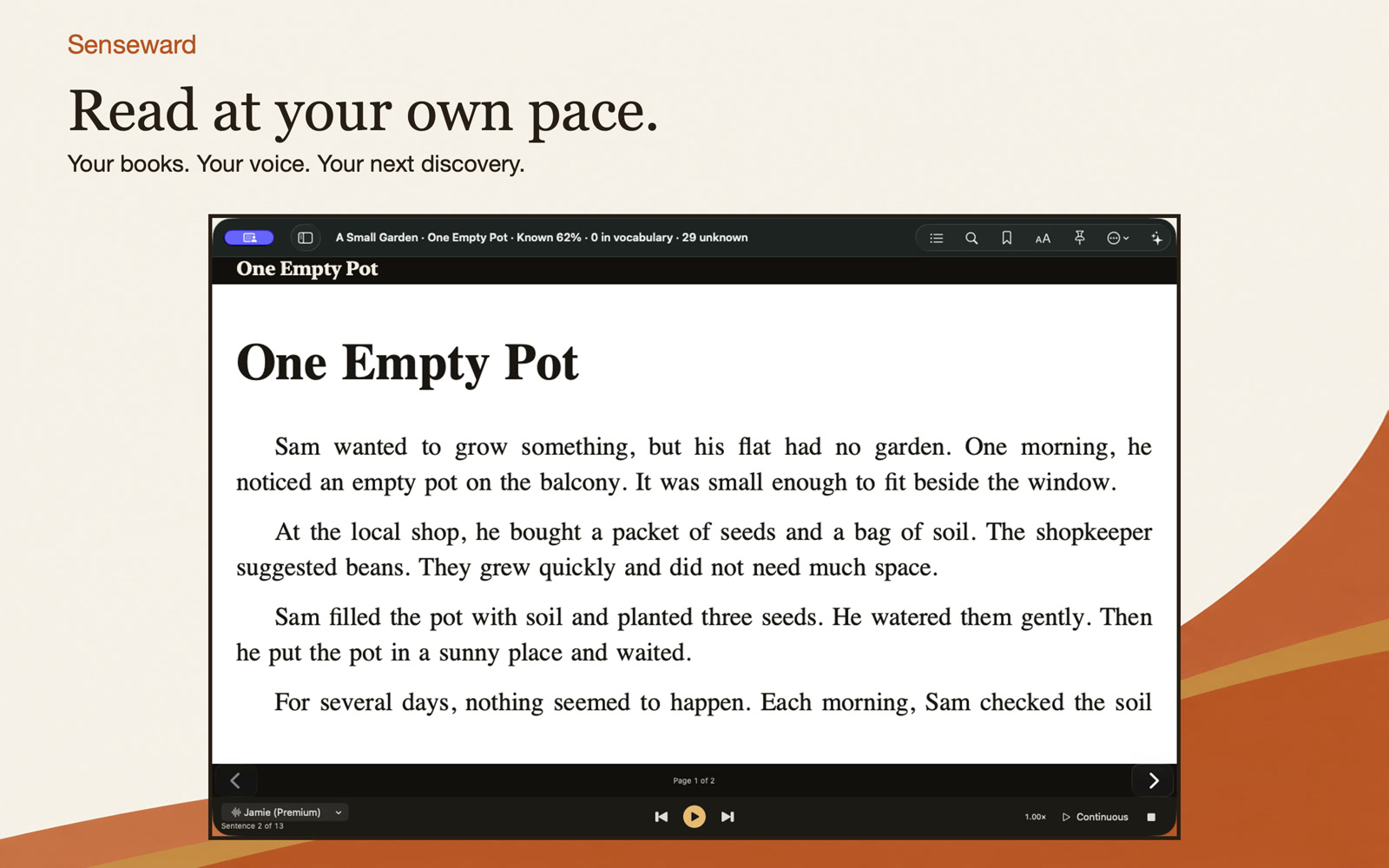
The real Mac app, with an original sample book.
See reading turn into understanding
Two 24-second tours: read an EPUB, listen with Apple voices, open Study and select text in a PDF. Play either preview with its original music, or watch with the sound off.
Real app footage with sample books. Captions describe the reading and Study scenes.
Hear the words. Stay with the story.
Turn supported audiobooks into a transcript on your device, then follow the highlighted words as the recording plays. Senseward keeps you close to the original voice and sentence.
- Tap a sentence to seek, replay or loop the original narration.
- Use Listen First to hear a passage before revealing its words.
- Correct a transcript, practise shadowing and ask questions about a chapter.
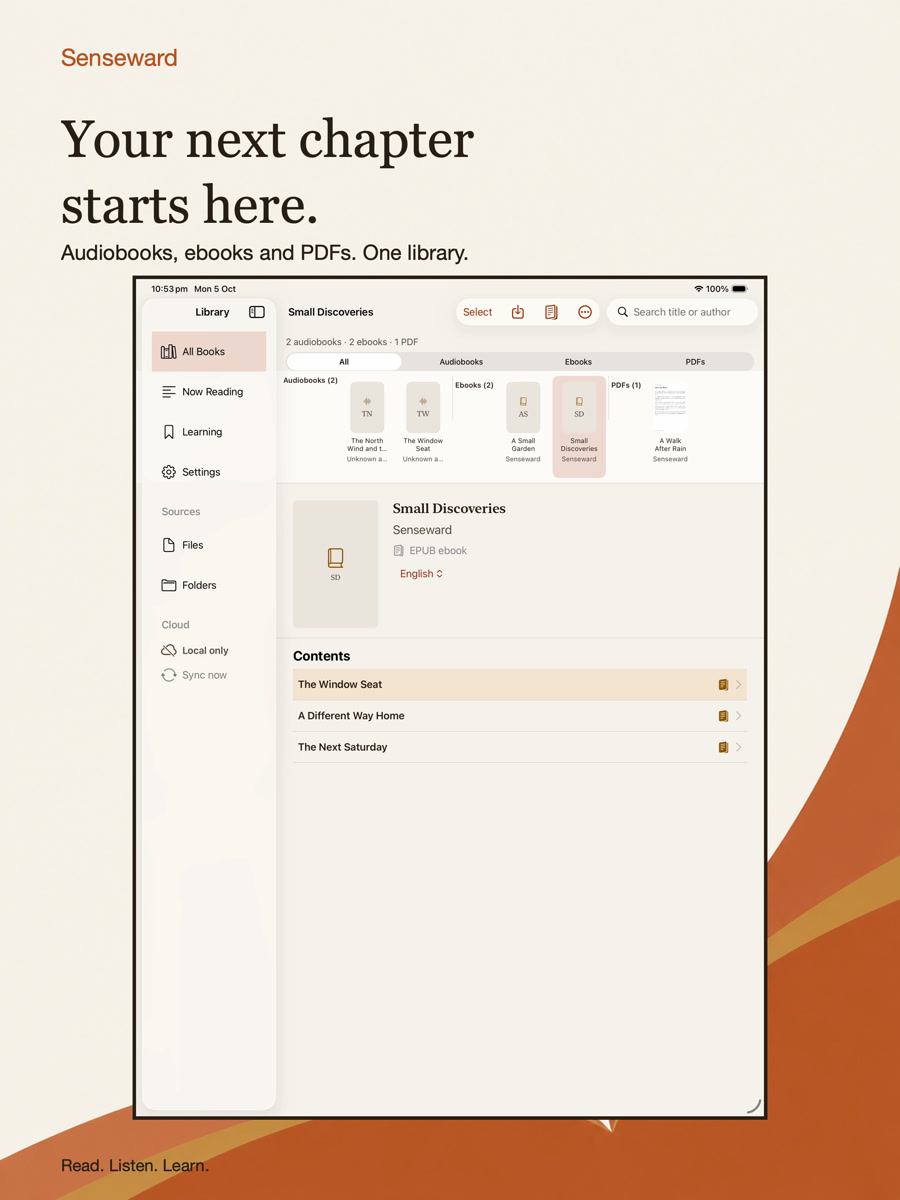
Three kinds of books. One place to begin.
Bring your own audiobooks, DRM-free EPUBs and PDFs. Each has its own collection and reading experience; a folder containing all three imports them as separate books.
- Import MP3, M4A, M4B, AAC, WAV, CAF, EPUB and PDF files.
- Read EPUB chapters and images as published, or keep a PDF's original pages.
- Resume your place and save bookmarks for passages you want to revisit.
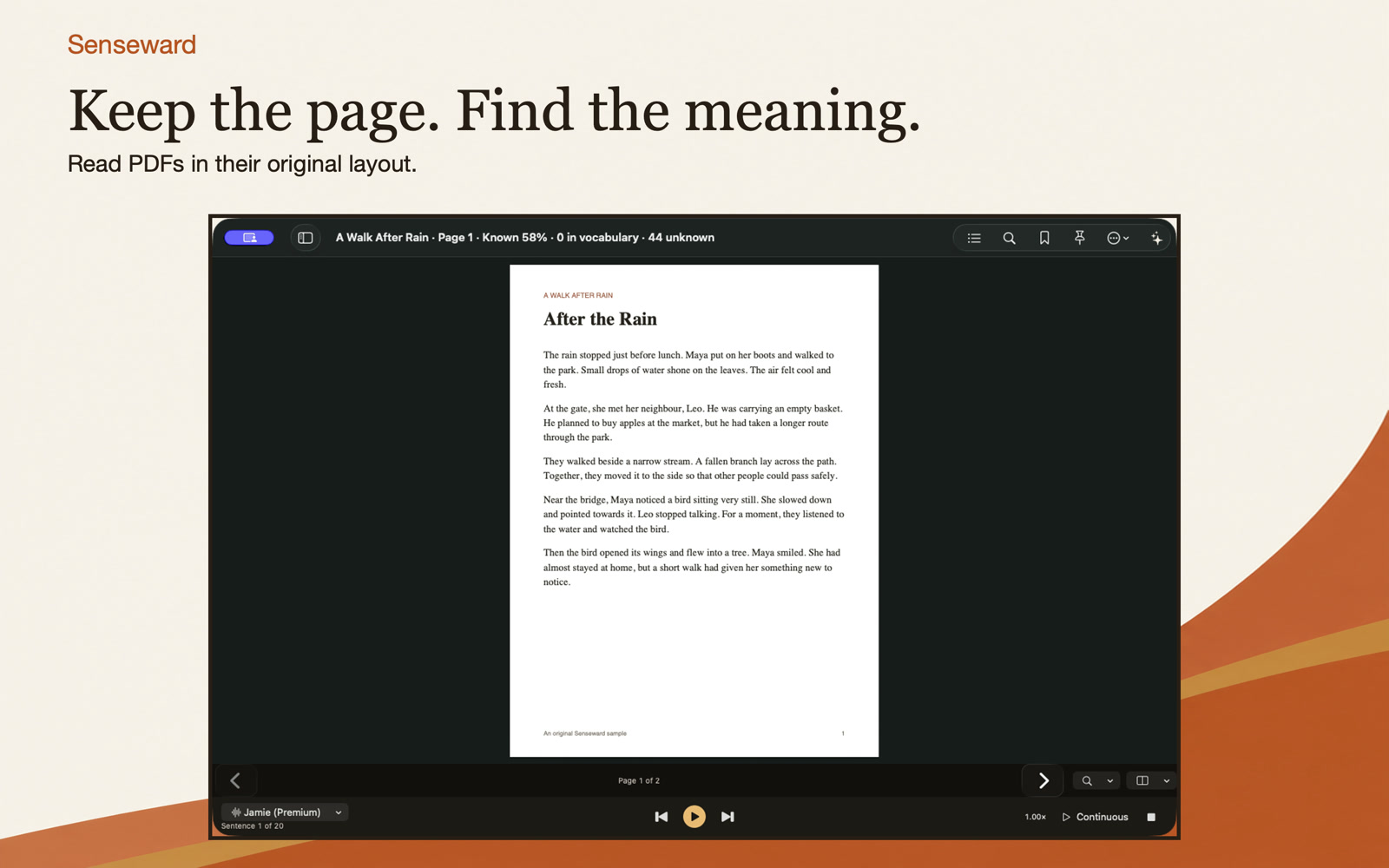
Keep the page. Explore the passage.
Read a PDF in its original layout. Select a word or passage to open Study, save useful vocabulary, or request a translation when you choose.
- Zoom and move between pages without turning the document into plain text.
- Use selectable text for local Study and Apple reading voices.
- Translate a page in sentence batches with your AI permission. Scanned pages need a selectable-text source.
Give the written page a voice
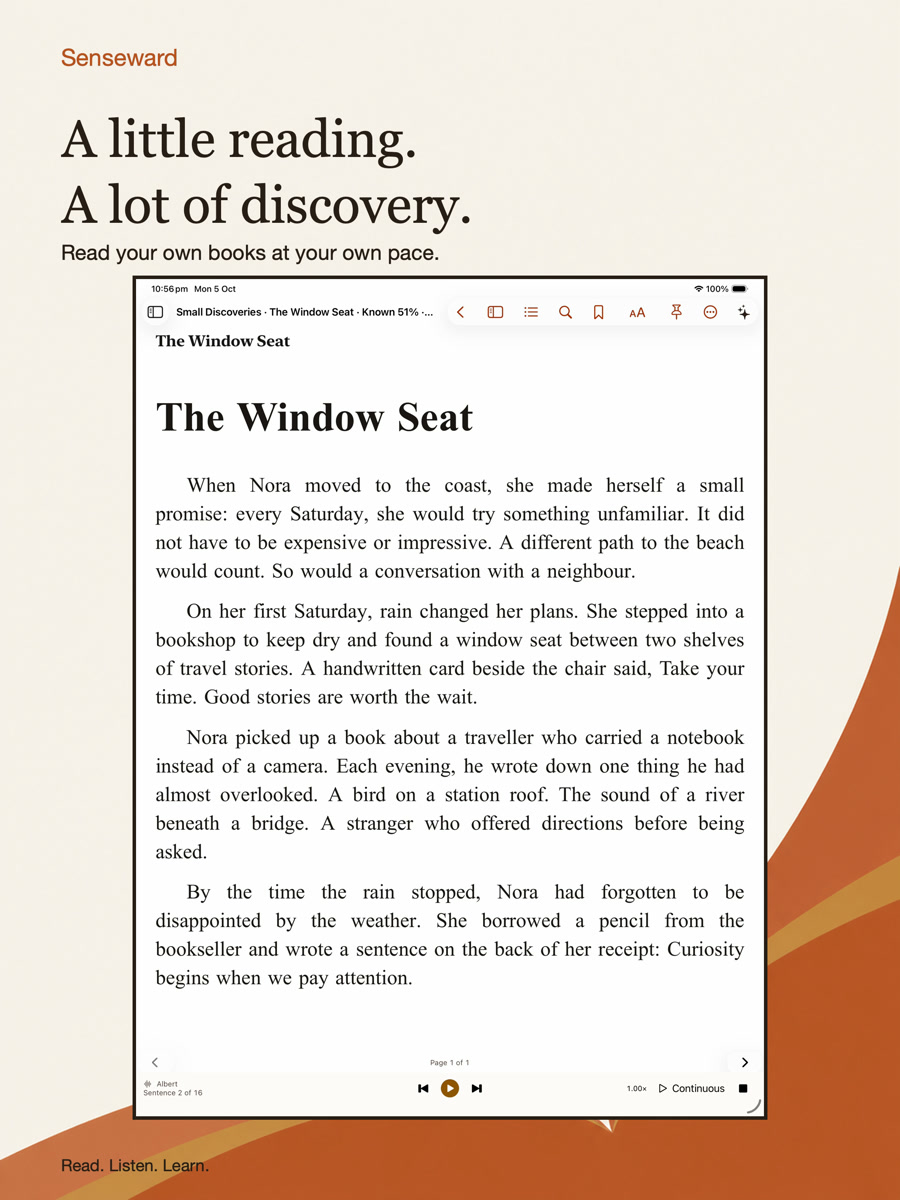
Listen to EPUBs and selectable PDF text with Apple voices on your device. Choose the voice and pace that help you follow the passage.
- See each available voice's language, accent and Standard, Enhanced or Premium quality.
- Reading speech stays on your device and uses no daily AI allowance.
- Voice downloads and availability depend on your device and Apple system settings.
Remember words where you found them
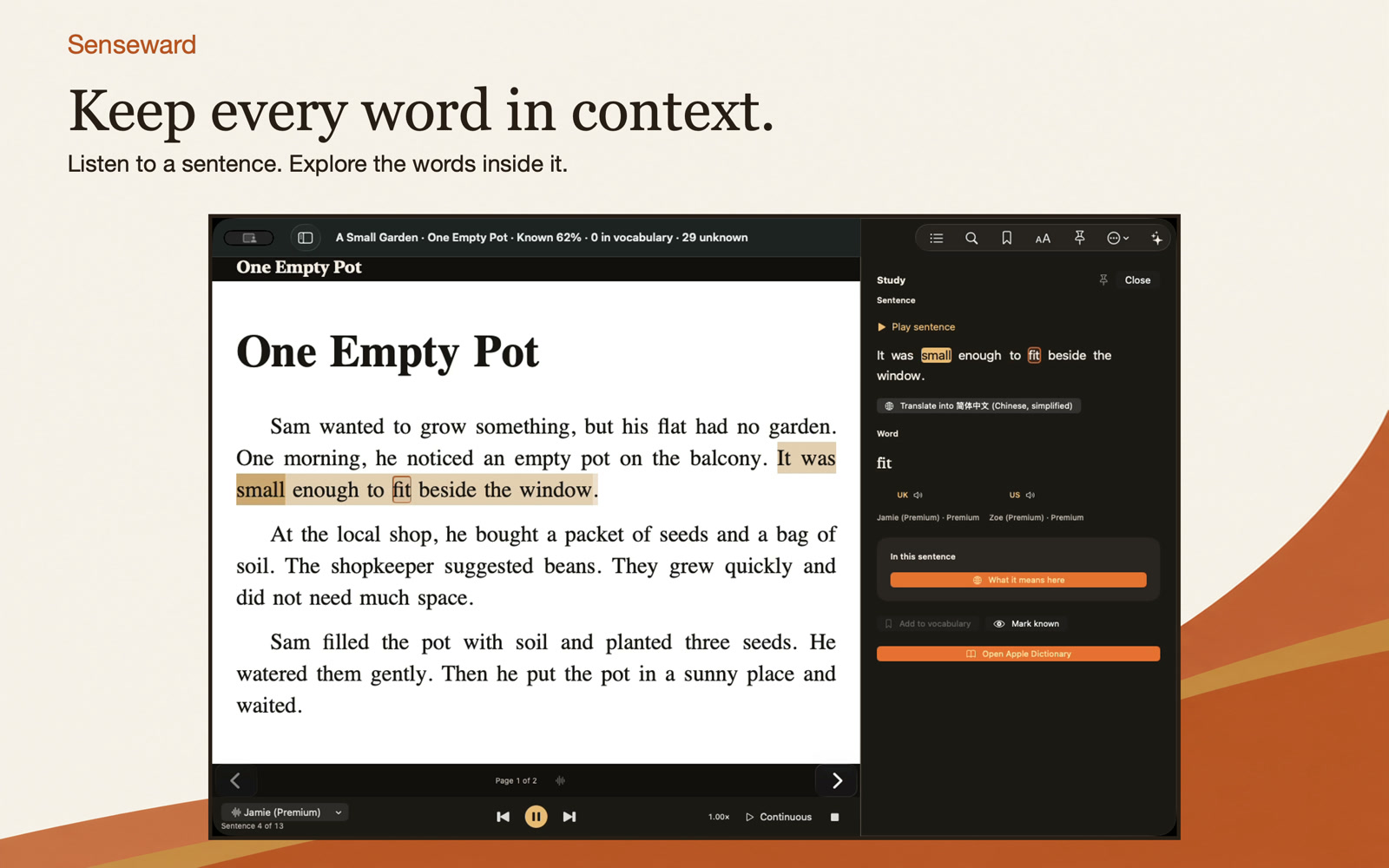
Look up a word and keep its original sentence, book and place. Review due words first, then return to the passage or replay its original audiobook narration.
- Compare US / UK pronunciation when the corresponding Apple voices are available.
- Study with recognition, cloze and reverse cards, and see other places a word appears.
- Track your learning and export vocabulary to Anki when you want to study there.
Ask more of a chapter
With an account and your permission, AI can translate a difficult passage, explain it, summarize a chapter or answer your questions. You choose when to send content; ordinary reading and local Study work without AI.
Put today's words into a new story
AI Practice uses selected words from today's study to create a story or conversation. Short / Regular / Long need 10 / 20 / 30 words. Save the lesson, listen and practise in context.
- Play saved lessons with Apple speech for free; saved AI recordings take precedence.
- Create optional AI recordings using your recording allowance. Lessons and recordings stay on the device where you create them.
- Free starts with 300 sentences and one recording unit per day, shared across devices. Limits reset at 00:00 UTC; only successful work counts.
Your books stay yours
Reading, playback, on-device transcription and vocabulary work without signing in. Optional learning sync carries vocabulary, review history and progress across devices; import the same book edition on each one. Original audio, EPUB and PDF files stay local. Transcript sharing, AI permission and optional analytics have independent controls.
Start on iPad or Mac
Join the iPad TestFlight today, or download the signed and notarized Mac app. Bring a book you already own and begin with the guide.